
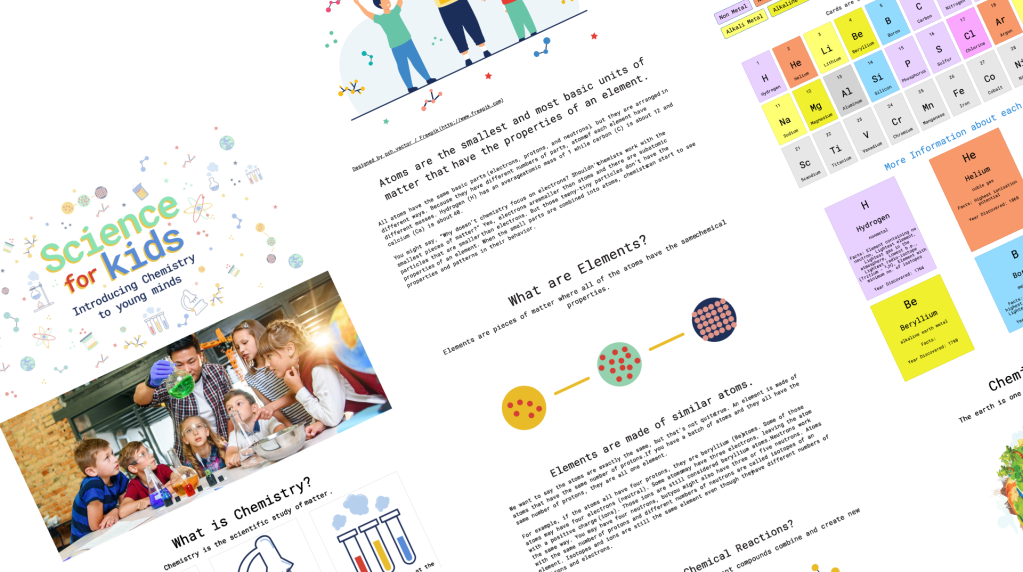
Periodic Table for kids.
Interactive website for a school project.
Objective
- Introduce children to the fundamentals of Chemistry.
- Educate them on reading and understanding the Periodic Table.
- Engage them in exciting and safe science experiments to conduct at home.
Technologies Used:
- HTML
- CSS
- JQuery
- Bootstrap
- AdobeXD
- API – Axios
UX
Research and Strategy
User Information
- Children aged 10 years with a foundational understanding of Science.
- Introduction to science subjects begins in Primary 3.
- Even children as young as 6 years old can participate in enjoyable experiments.
Scope
Maintain reader engagement.
User goal
Encourage them to visit the Periodic Table page and delve into exploring the elements.
Commencement
- Determine the appropriate age for initiating Chemistry learning in children.
- Introduction of science subjects begins in Primary 3.
- Basic concepts of the Periodic Table are introduced in Primary 4 (10 years old and above).
- Incorporate simple science experiments suitable for younger kids (6 years old).
Information Structure
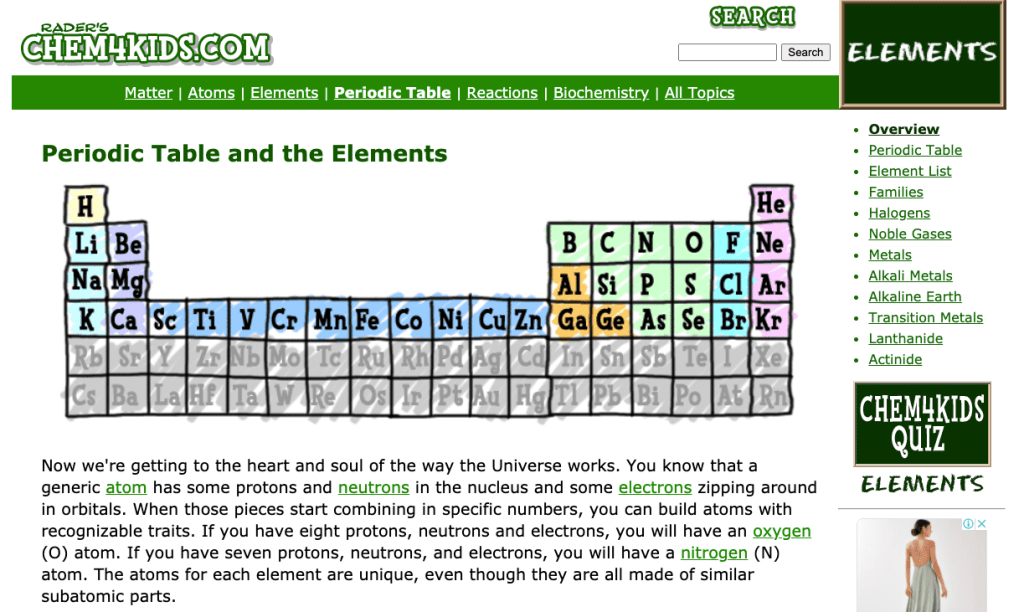
Consulted Chem4Kids as the primary content source for Chemistry information. Narrowed down the key topics to the following:
- About Chemistry
- Matter
- Atom
- Elements & Reaction
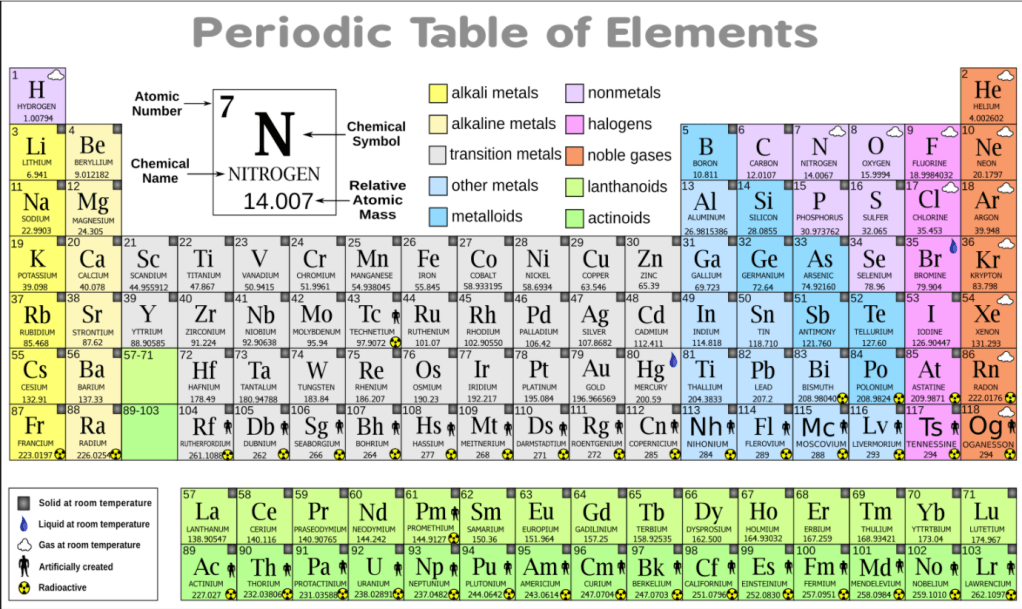
- Periodic Table

UI Design
I conducted research on awwwards.com and dribbble.com to explore children’s websites.
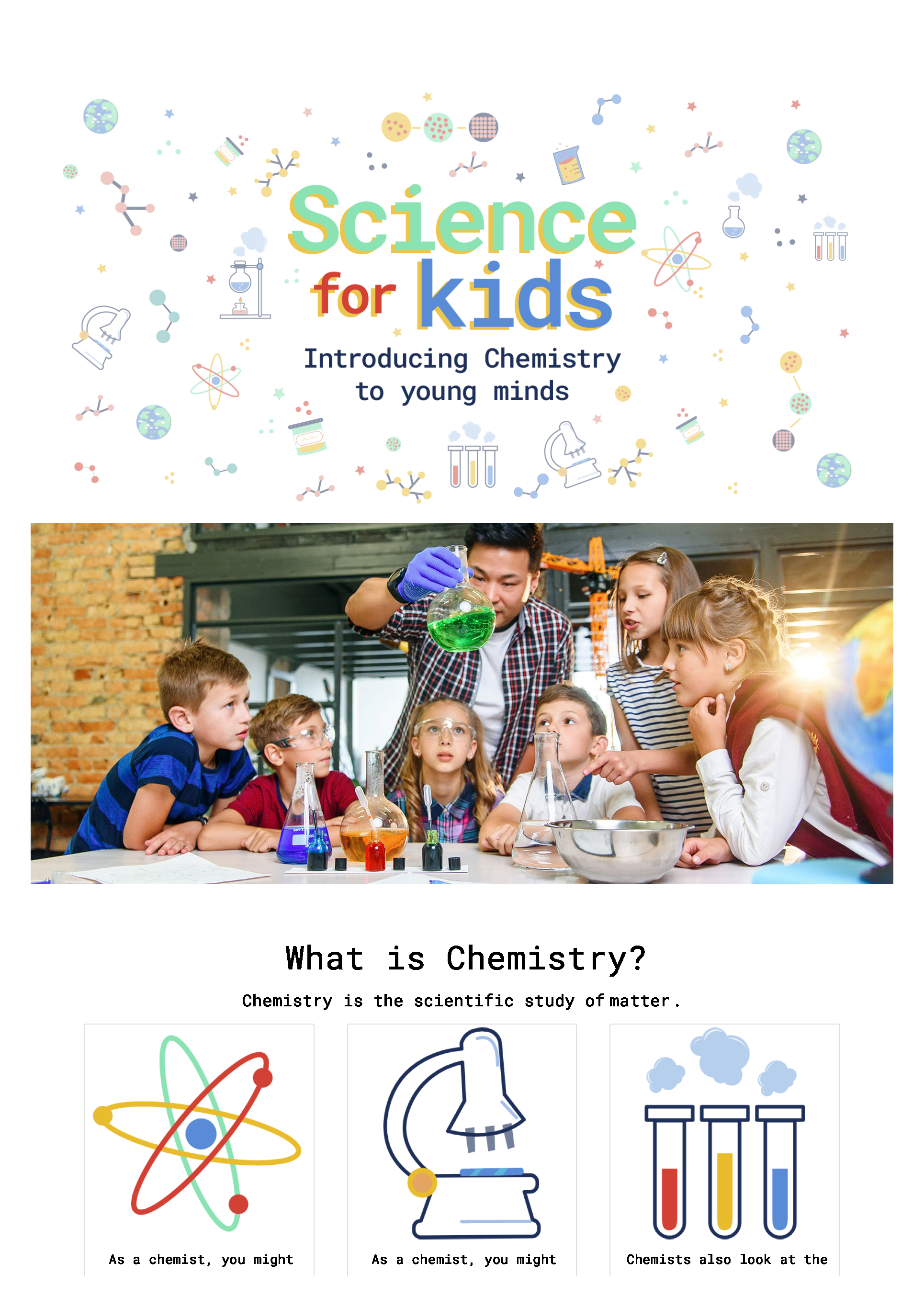
The website comprises a main page and one sub-page. The main page includes content on Chemistry (introduction), Matter, Atom, Elements & Reaction (abbreviated for Chemical Reaction), and a sub-page dedicated to the Periodic Table.
Additionally, there’s a section titled “Young Chemist” featuring engaging videos of fun experiments.
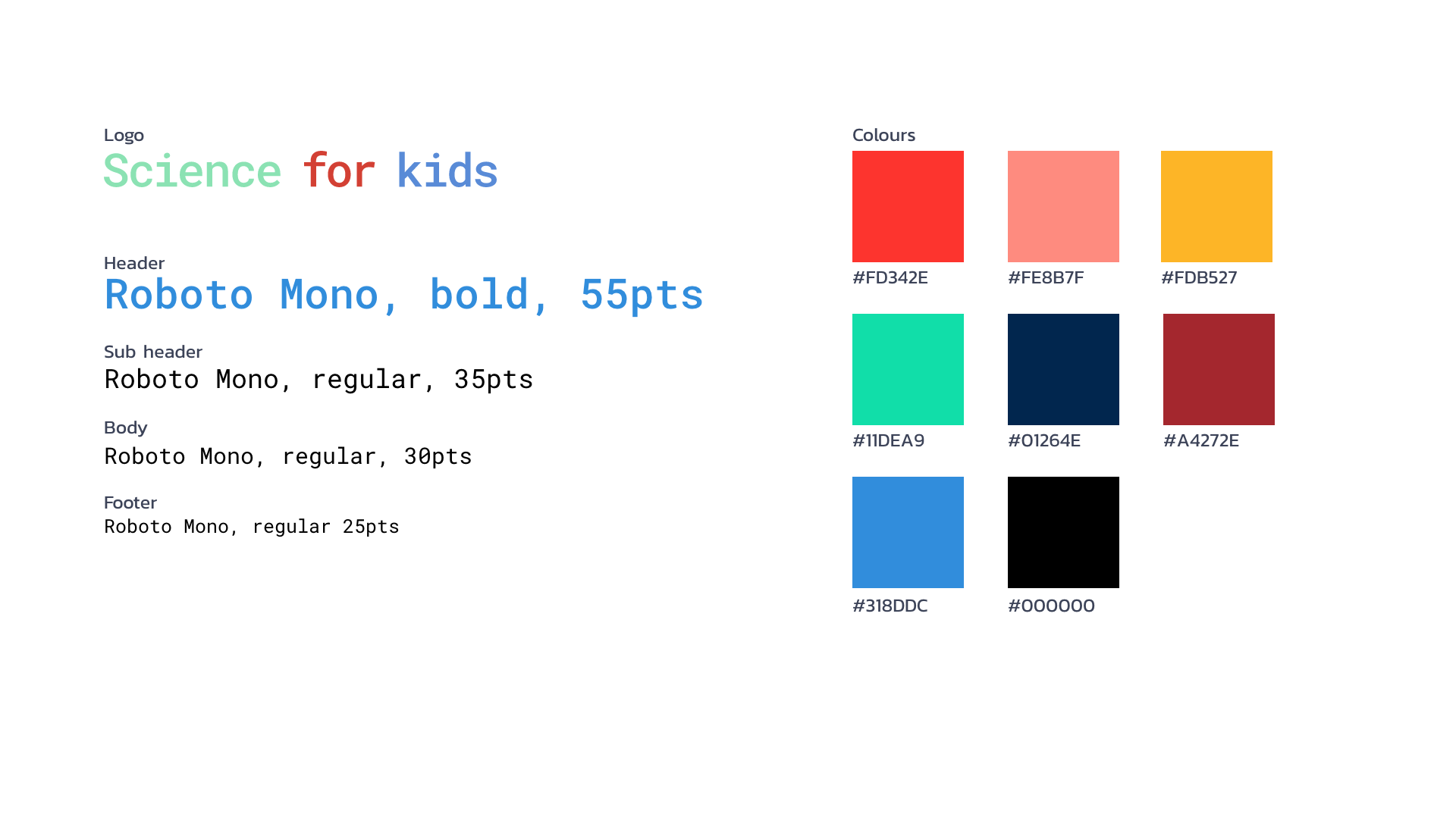
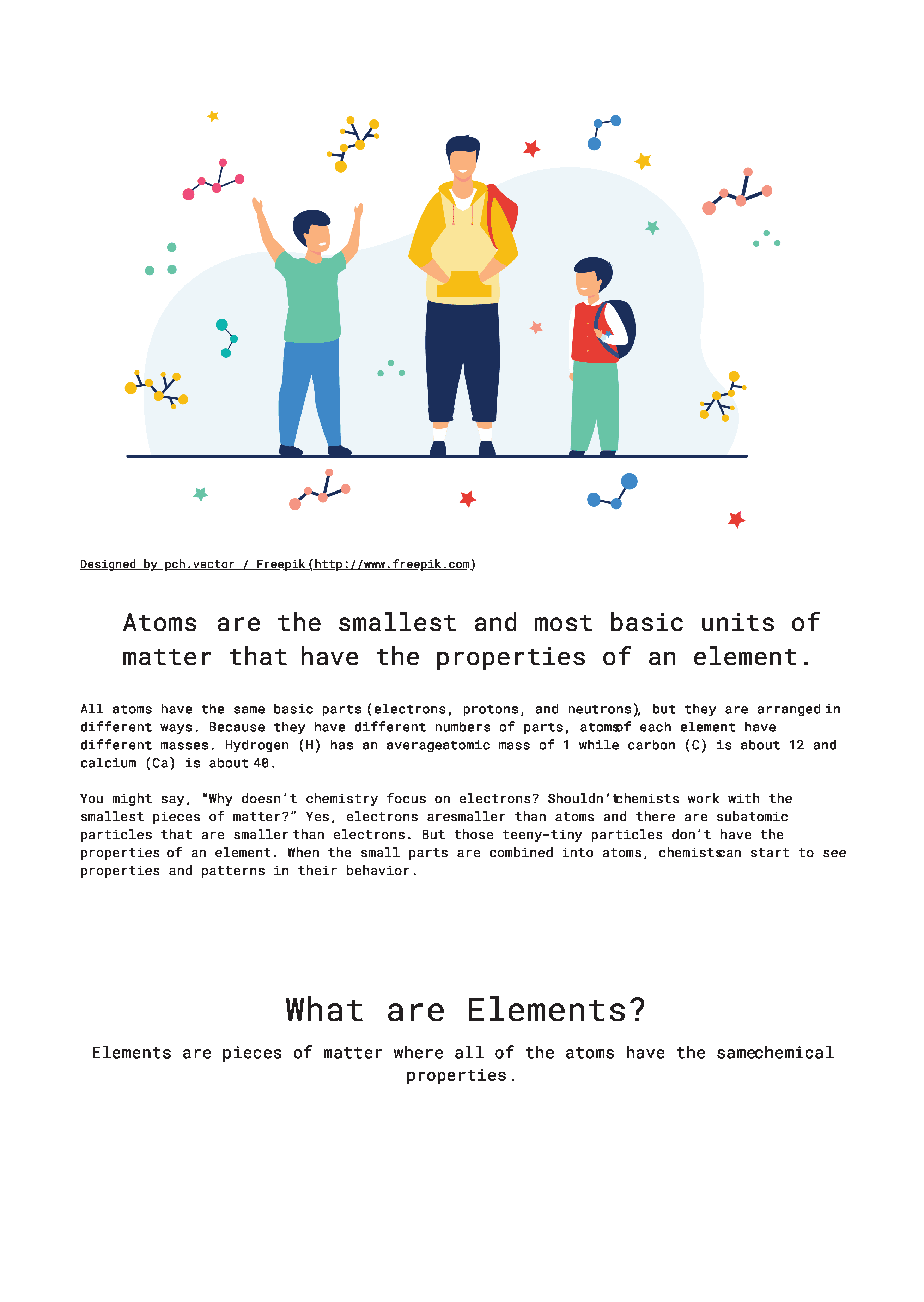
The color palette is vibrant, and images are cartoon-like to captivate and engage the audience.
I adapted the original content from the Chem4Kids website, which was predominantly in paragraph format. To enhance engagement, I restructured the lengthy text by breaking it into shorter segments, emphasizing keywords, and interspersing relevant images.
Initially, the design lacked responsiveness, especially on iPad, where the Periodic Table couldn’t be collapsed. However, I have addressed these concerns, and the website is now responsive and optimized for mobile use.



Features
The website will feature the following:
Main page
- Features kid-friendly images where basic information about Chemistry is introduced. Here are the topics used:
- What is Chemistry?
- Matter
- Atoms
- Elements and Chemical Reactions
- Used infographics to show more visual-aid for kids to catch their attention.
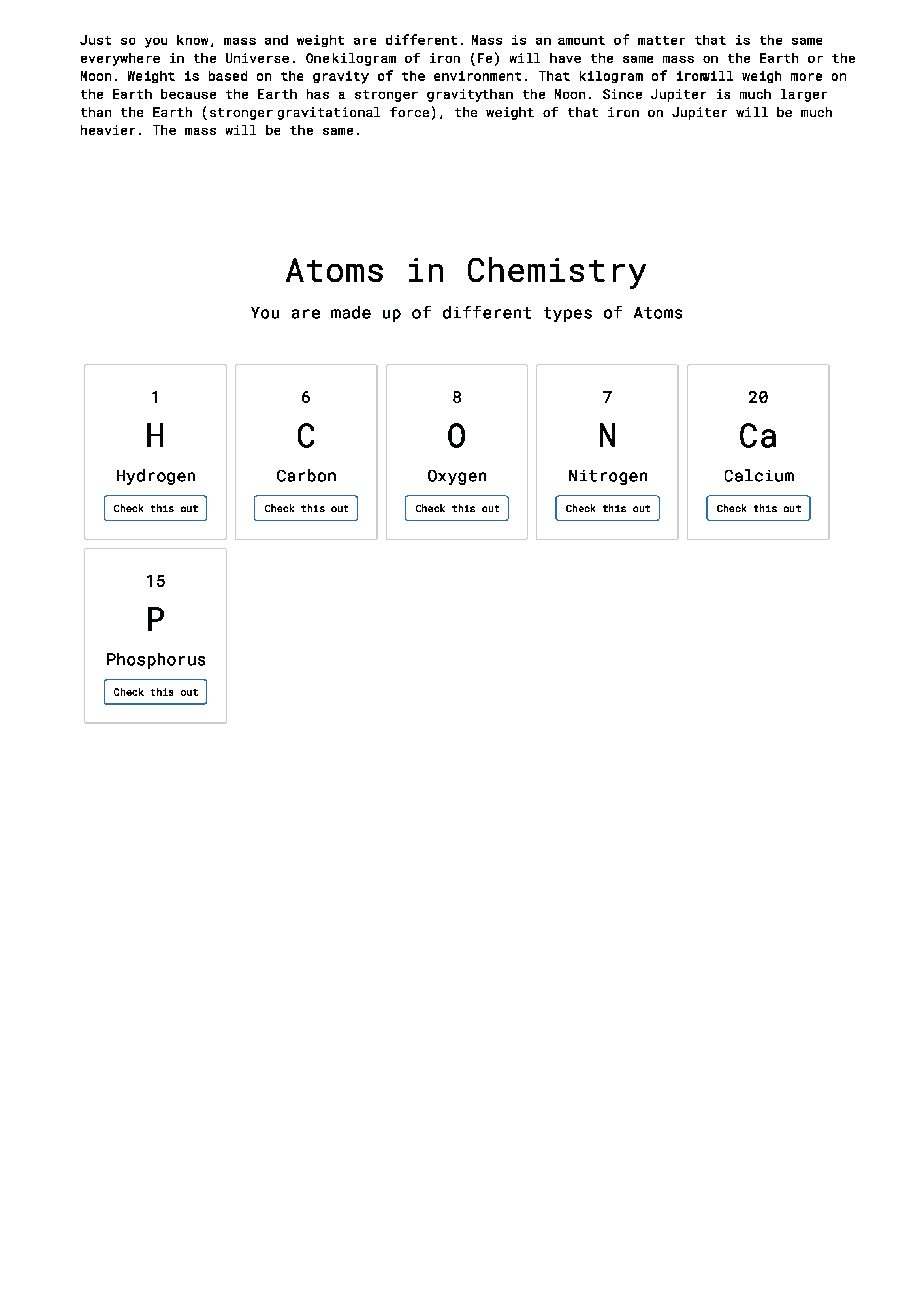
- Interactive buttons under Atom subpage is available to keep the kids engaged.
- Videos about Chemistry is shown and intended to be in last page so that kids can scan through the whole page.
- Scroll to top page is available for faster navigation.
Sub page
- Periodic Table – Since the main page consist of topics that make up the Periodic Table, I separated this in another page.
- Elements as Building Blocks
- 4 elements are with clickable button to show facts, history, year discovered, atomic number and atomic name. Pop-up effect is used to keep the kids focused on specific information.
- Under color-coded elements, I categorised them by Group Blocks because of its different categories. What better way to keep kids engage is through colours.
- Each group block are based on secondary colours specially for Periodic Table.
 FG Portfolio